


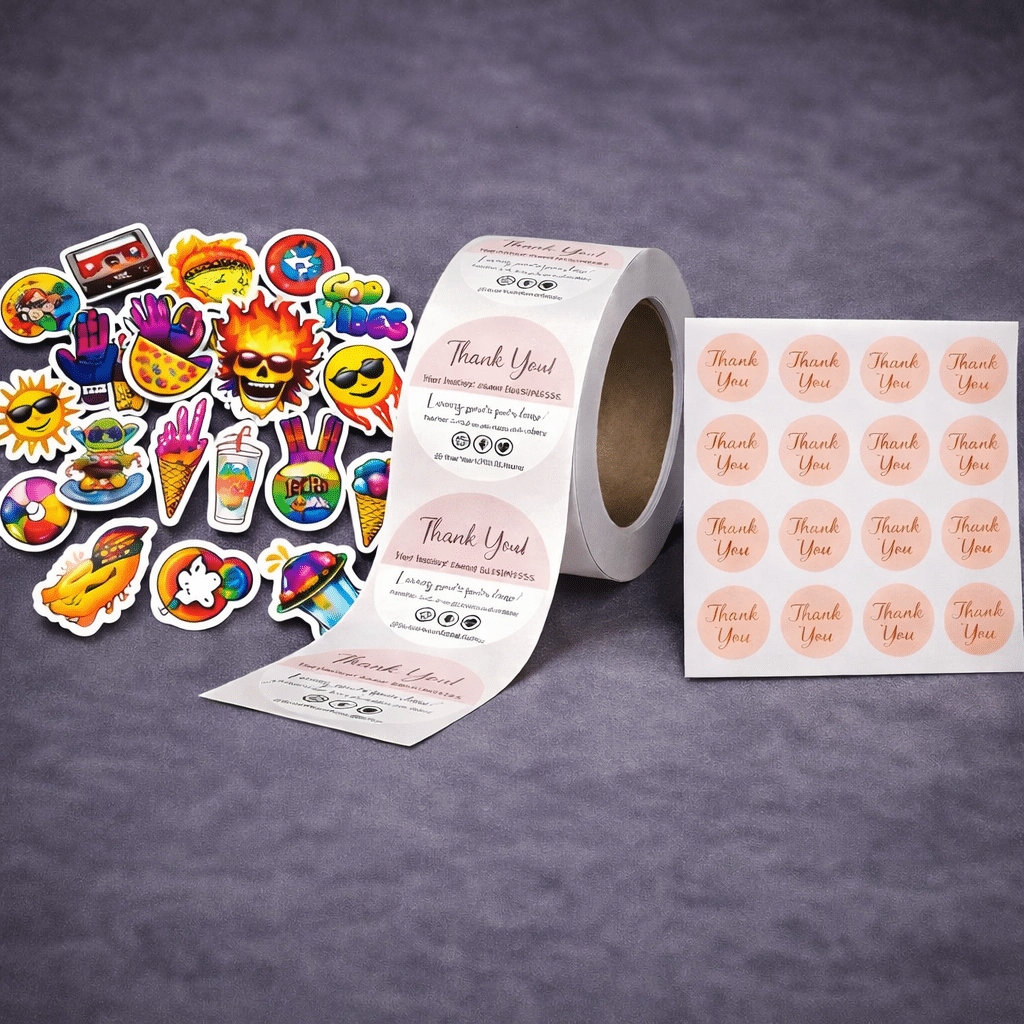

Screen to Print Reality Check (RGB vs CMYK Preview)
This quick preview tool helps you see the kind of shift that often happens when bright RGB screen color gets translated into CMYK on paper, especially with neon style colors. Upload an image, switch between coated and uncoated presets, and use the slider to compare before you print.
RGB to CMYK Print Preview (Approximate)
This simulator helps set realistic expectations for how colors can look more muted in CMYK print than on a bright screen (especially neon / “hot” RGB colors). Images are processed in your browser and are not uploaded or saved on our server.
1) Choose an image
No file uploaded yet.
2) Choose a preset
Approximate preview. Results vary with paper, press, lighting, and screen settings.
Preview
- Neon RGB colors mute the most in CMYK print.
- Uncoated paper usually looks more muted than coated paper.
- For critical color, request a printed proof.
Be sure to check out our DPI & Resolution Calculator + Simulator
If you have ever opened a design file, stared at a color that looks insanely good on your monitor, and thought, “This is going to look amazing in print,” you have already walked into the most common trap in printing.
Then the job arrives… and the hot pink is suddenly more like berry. The neon green looks like a calmer lime. The deep blue feels a little less electric. And you start wondering if something went wrong.
Nothing went “wrong.” What you are seeing is normal. Very normal.
This is exactly why we built the RGB to CMYK Print Preview tool above. It is not meant to be a perfect proof. It is meant to set expectations and prevent that gut-punch moment when bright screen color meets real ink on real paper.
Let’s talk about why this happens, why color matching is actually complicated, and what you can do to get results that are more predictable.
The basic truth: Screens are cheating (in a good way)
Your screen has a superpower: it creates color using light.
Printers do not. Printers can only place ink on paper and rely on the environment’s light to bounce back into your eyes.
That one difference changes everything.
On a screen, bright colors can look like they are glowing because they literally are. Screens are backlit and designed to be punchy and pleasing. Phones in particular are basically tiny color billboards.
In print, there is no glow. No backlight. Just pigment and reflected light.
So if your screen is the “music video version” of your design, print is the “live acoustic version.” Same song, different vibe.
RGB and CMYK are not just different. They live in different worlds.
You already know the basics:
-
RGB is used for screens (Red, Green, Blue)
-
CMYK is used for print (Cyan, Magenta, Yellow, Black)
But here is the bigger point: RGB can display colors that CMYK physically cannot reproduce.
That “range” of colors a system can show is called gamut. And RGB has a larger gamut than CMYK in a lot of bright, saturated areas.
This is why neon-style colors are the biggest troublemakers. They often sit outside CMYK’s printable gamut.
So what happens when you try to print something outside CMYK’s range?
It gets pulled back into the printable range. In normal human words: it gets muted.
Not because your printer is bad. Not because you did something wrong. But because CMYK ink cannot do what a bright screen can do.
Why neon colors get hit the hardest
If you want the most important takeaway from this page, it is this:
Neon RGB colors almost always mute in CMYK print.
Hot pinks. Electric blues. Vivid greens. Bright oranges. Anything that feels like it belongs on a glowing sign.
Those colors can look incredible on screen because screens can push saturated light directly into your eyes. Printing is trying to recreate the same look using pigment and paper. That is a huge ask.
So when your RGB file converts to CMYK, those colors often shift and flatten a bit. Sometimes they also shift hue slightly, like:
-
Bright blues leaning more purple
-
Bright greens getting more yellow
-
Pink losing that “neon” energy
This is one reason many big brands use spot colors for very specific bright colors in offset printing. But for standard digital and offset CMYK, there are limits.
This tool is designed to make that concept obvious in two seconds.
Your monitor is probably set to “make everything look amazing”
Another huge reason print looks different is not the printer. It is the screen.
Most monitors and phones are set brighter and more saturated than what is realistic for print viewing. Many people never touch their brightness settings. They run their displays like a showroom.
That means you are judging color in a best-case scenario that printing is not designed to match.
Even if you had perfect color conversion, a bright phone screen can still make the same color look “better” than it will look on paper.
This is why screen-to-print matching can feel like chasing a moving target.
The same file can look different on two screens
Here is where it gets fun and slightly annoying.
You could show your design to five people and get five different “that looks right” opinions because screens are not all equal.
Different screens have different:
-
brightness
-
contrast
-
color temperature
-
saturation
-
calibration
-
viewing angles
So when someone says, “It didn’t print like my screen,” the first question is: which screen?
A bright iPhone in the sun? A laptop in night mode? A monitor with the brightness cranked? A designer’s calibrated display?
They are all different.
Paper choice changes everything (even with the same inks)
Same press. Same inks. Same file. Different paper.
And your color can shift way more than most people expect.
Here is the simple version:
-
Coated paper usually holds detail and contrast better, and feels more vibrant.
-
Uncoated paper absorbs more ink, which can make color feel softer and more muted.
This is why our tool has two presets. The point is not to overwhelm people with settings. The point is to show that paper alone changes the game.
If you print the same design on:
-
glossy coated stock
-
matte coated stock
-
uncoated stock
-
natural cream stock
You are going to see differences. Some subtle, some dramatic.
Paper is not just a surface. It is part of the color system.
Lighting matters more than people think
A printed piece does not have its own light source. It borrows light from the room.
So your print can look different depending on whether you are viewing it under:
-
office fluorescent lighting
-
warm indoor lighting
-
daylight
-
shade
-
direct sun
That is not a flaw. That is the reality of reflected color.
This is also why color matching conversations can get weird when someone is holding a print under warm light and comparing it to a screen set to cool white.
Different light, different result.
Color management is real, but it is not magic
You will see people mention things like ICC profiles, color calibration, and soft proofing. Those are real tools and they help. A lot.
But they do not remove the fundamental problem: a screen can display colors that ink cannot print.
Color management helps you translate color more predictably. It helps reduce “surprise shifts.” It helps standardize the pipeline.
It does not let CMYK suddenly print neon light.
So yes, proper profiles are good. Very good. But they do not break physics.
Why “convert to CMYK” is not always a simple click
A lot of people think converting to CMYK is like converting a document from Word to PDF.
It is not.
When RGB colors are outside CMYK gamut, something has to give. That “something” depends on conversion intent and profiles.
Conversion involves decisions like:
-
preserve the overall look, even if colors shift
-
preserve relative relationships between colors
-
preserve saturation as much as possible
-
preserve neutrals and skin tones
Depending on settings, you can end up with different results.
And that is before you even get to paper, press, and lighting.
This is why we keep this tool intentionally simple. For most people, the goal is not perfection. The goal is realistic expectations.
What about “rich black” and dark colors?
Dark colors have their own set of quirks.
On screen, a dark area can still feel detailed because the screen can separate shades cleanly. In print, heavy ink coverage can compress detail.
Also, black can be made different ways:
-
only K (black ink)
-
a mix of CMYK to create a deeper black (often called rich black)
Those choices can affect contrast and how smooth gradients look.
If your design has deep shadows, dark gradients, or black backgrounds, it is worth thinking about how those areas will reproduce.
Why your home or office printer is not a “proof”
A home printer is not a reliable reference for professional output.
Not because it is “bad,” but because it is doing a different job.
Home printers use different ink sets, different paper, different drivers, and different assumptions. They are designed for convenience, not precision.
Professional printing aims for consistency and repeatability. But again, it still will not match the glow of a screen.
So if you print it at home and it looks “dull,” that does not necessarily predict professional output. It just means your home printer is not a press.
The best way to avoid disappointment: Aim for predictability
You do not need to be a color scientist to get good print results.
You just need to stop expecting screens and print to match perfectly, and start aiming for consistency.
Here are the most practical steps that help:
1) Design with print in mind
If you are building something for print, avoid choosing colors that only look good because they are glowing on a screen.
If your brand color is a neon, expect it to mute in CMYK. That is not negotiable.
2) Choose paper intentionally
If vibrancy matters, choose a coated stock. If you want a softer look, uncoated can be great, but it will mute color.
3) Use a proof when color is critical
If this is a high-stakes project where color has to be right, get a proof. It is the only way to see how your file, paper, and process work together.
4) Use the preview tool as a reality check
That is exactly what it is here for.
Upload the image, toggle coated versus uncoated, and look at the difference. If the “simulated” version still looks acceptable, you are probably in good shape.
If the simulated version reveals a major issue, that is useful information before you print 5,000 pieces.
Final thought: The goal is not perfection. It is confidence.
Color matching in print is complicated because it involves:
-
RGB vs CMYK
-
gamut limitations
-
screen brightness
-
paper
-
lighting
-
press behavior
-
conversion choices
That is a lot of variables for something people assume should be easy.
The good news is that you do not need to control every variable. You just need to understand what the variables are so you can make smarter choices.
This tool exists to help you do exactly that.
If you have a project where color is extremely important, or you are trying to match an existing piece, reach out and we will walk you through the best options. The right paper, the right approach, and the right expectations make all the difference.